
Aim with the net
Every catch bounces your jumper back into the air, and where they land on the net decides where they go next.


Left side
Back toward the fire. The building bounces them back, so it’s not over yet.
Center
Nearly straight up. Safe and slow, and handy for holding one jumper while you deal with another.
Right side
A long throw toward the ambulance. Fewer bounces, more risk.
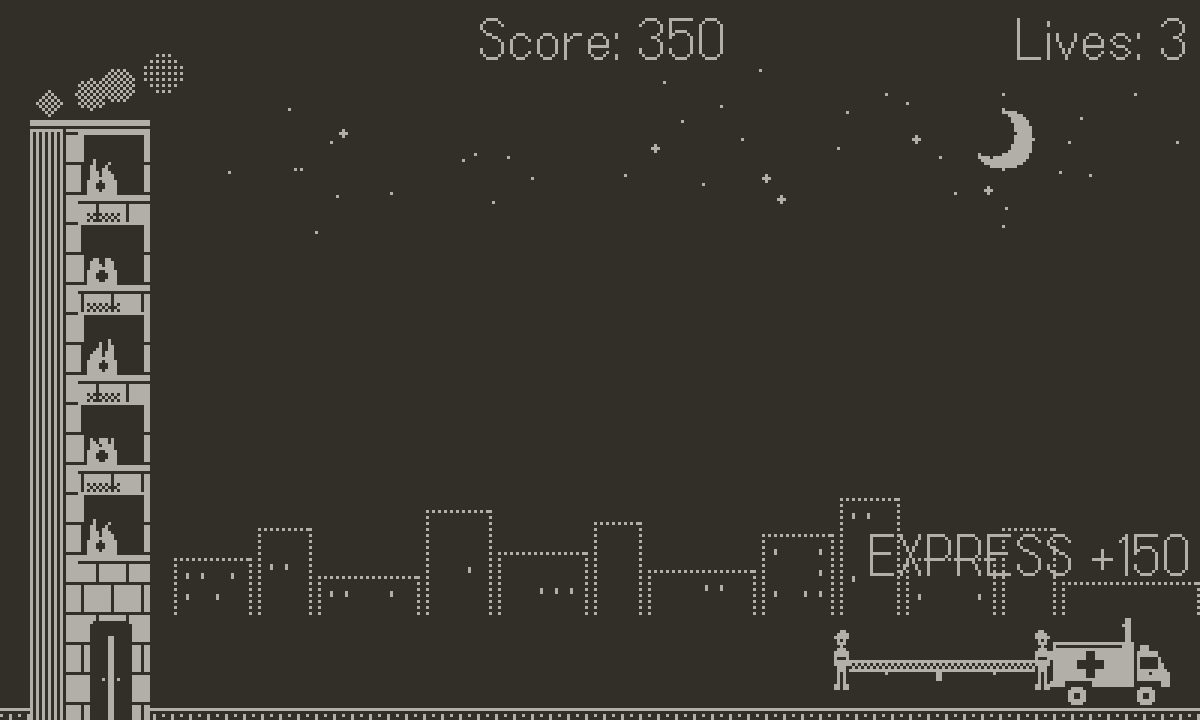
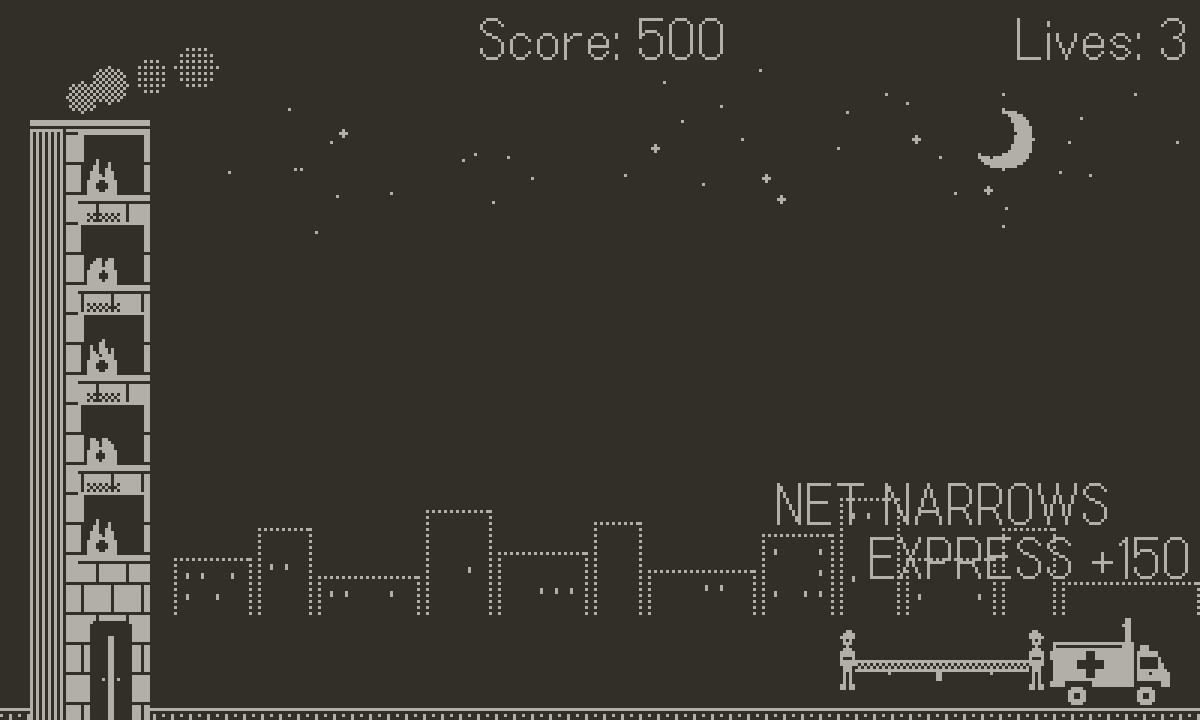
Get someone to the ambulance in two bounces or fewer for an Express bonus.
It gets harder. Fairly.
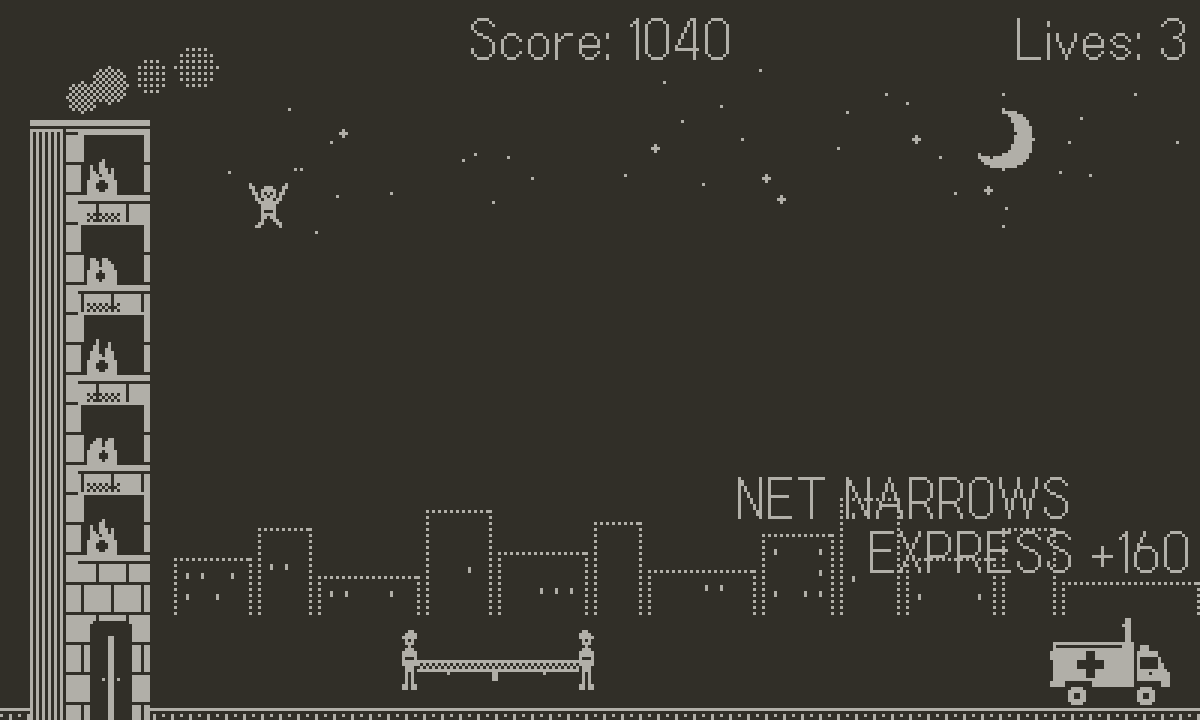
The net starts wide and forgiving, then narrows as your score climbs. A second jumper joins at 500 points, a third at 2,000, and everything speeds up as you go.
Extra jumpers only leap when you could actually reach them. If two land at once, it’s because of where you aimed.
- Rescue
- 100 points, worth more as the game speeds up (up to 160)
- Express
- +50 for a rescue in two bounces or fewer
- Extra life
- Every 5,000 points, up to five
- Net
- 72 px wide at the start, down to 44 px
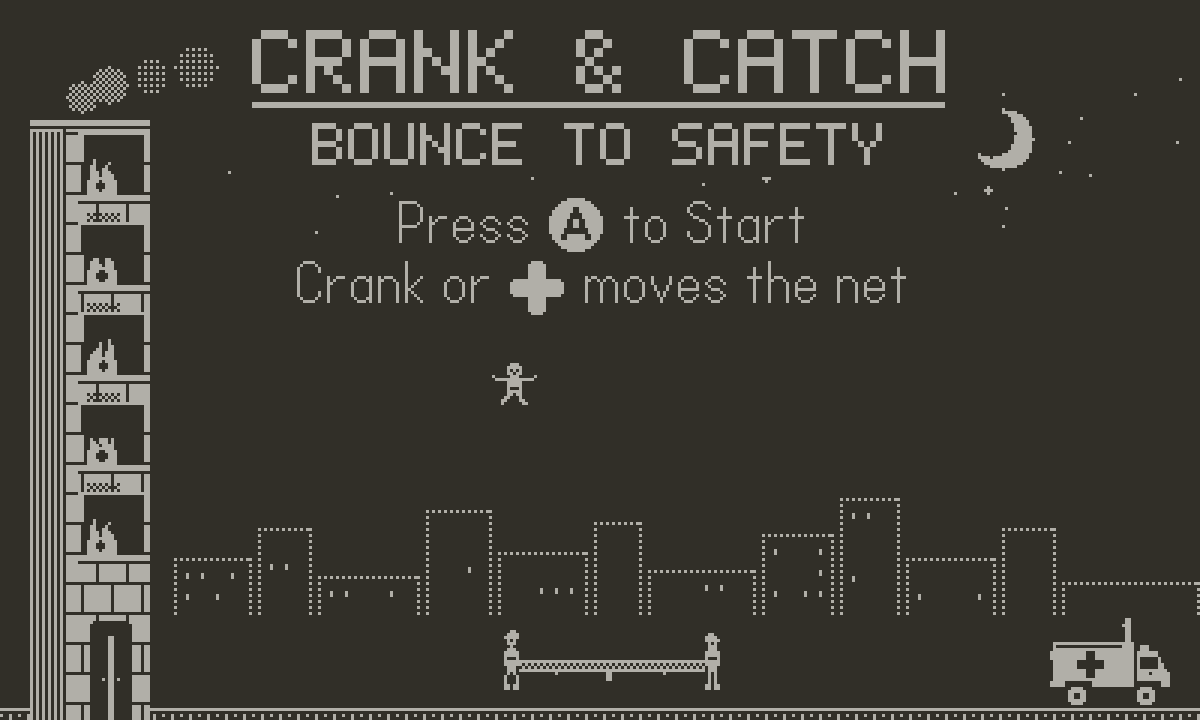
Screenshots
Get it on your Playdate
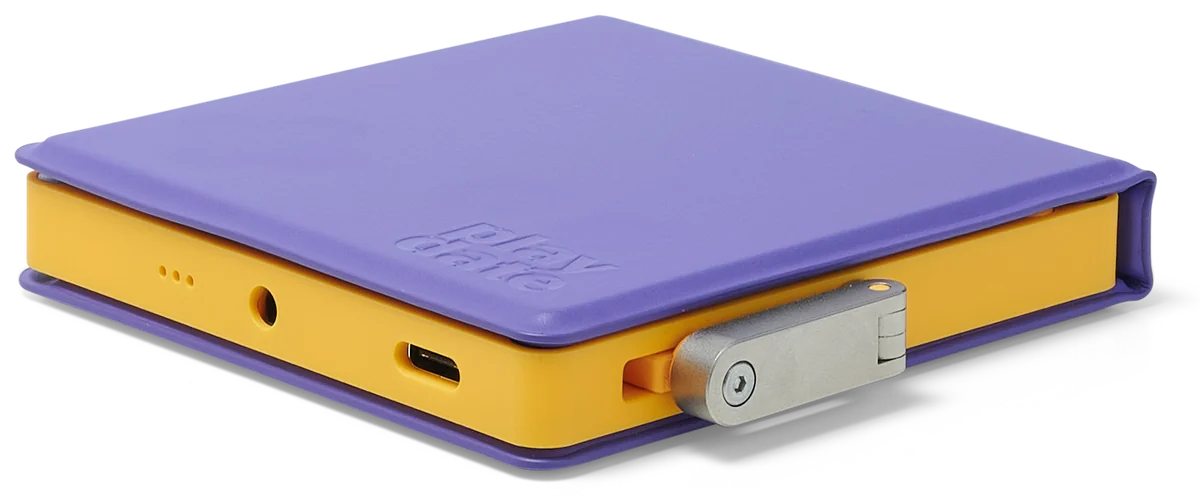
Crank & Catch installs over Wi‑Fi from your Playdate account. It takes about a minute.
-
Make sure your Playdate is registered
It needs to be registered to your account at play.date. Wireless installs only work with a registered device.
-
Upload it.
Sign in at play.date, open Account → Sideload, and drop in the zip.
-
Open Game Library on your Playdate.
The game downloads automatically; refresh the list if it doesn’t show up right away. On older system software, look under Settings → Games.
Prefer a cable? Panic’s guide covers installing over USB too: help.play.date. Sideloaded games stay in your account, so you can reinstall any time.
Questions
Is it free?
Yes. It’s open source under the MIT license.
Is this made by Panic?
No. It’s an independent game by Todd Greco, made for Playdate.
What does it need?
A Playdate on current system software, connected to Wi‑Fi.
Where’s the source?
On GitHub.